
Securing Sensitive Information in .NET Core: A Complete Guide for Developers

Protecting user data is one of the most critical responsibilities of any software developer. In today’s connected world, even a small leakage of sensitive information — API keys, passwords, or tokens — can have devastating consequences. Fortunately, .NET Core (or .NET 9 and later) offers several mechanisms to help you handle secrets securely and build resilient applications.
In this article, we’ll explore practical methods to secure sensitive information in .NET Core applications. You’ll learn where and how to store secrets, configure your environment safely, use built-in tools like Azure Key Vault, and adopt best security practices. Let’s dive in!
Full simple source code is on Github
Understanding Sensitive Information in .NET Core
Sensitive information refers to any data that, if exposed, could harm your application’s users, business, or systems. Common examples include:
- Connection strings.
- API keys and OAuth tokens.
- Client secrets.
- Passwords and cryptographic keys.
- Cloud service credentials.
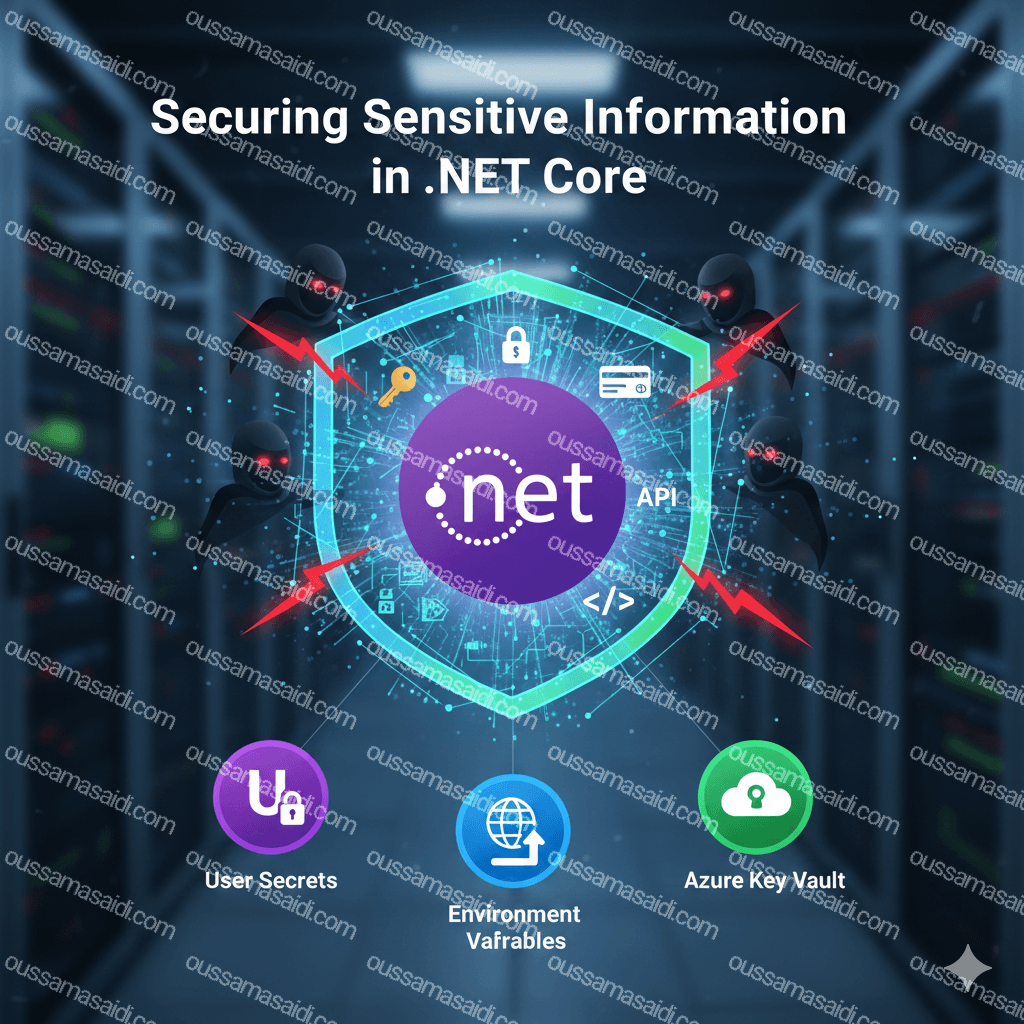
These values often end up hard-coded in source files or checked into Git repositories by mistake. Once that happens, attackers can easily exploit them. Securing them begins with understanding how configuration works in .NET Core.
Configuration Basics in .NET Core
.NET Core applications follow a flexible configuration system that reads settings from multiple sources. Typical configuration providers include:
appsettings.jsonfiles.- Environment variables.
- Command-line arguments.
- Secret managers (for development).
- External services like Azure Key Vault.
When the application starts, .NET loads these sources in order, allowing later sources to overwrite earlier ones. This approach supports secure, environment-specific configuration.
For instance, the following code shows how the configuration builder can be customized in Program.cs:
var builder = WebApplication.CreateBuilder(args);

// Add configuration from appsettings and environment variables
builder.Configuration
    .SetBasePath(Directory.GetCurrentDirectory())
    .AddJsonFile("appsettings.json", optional: false, reloadOnChange: true)
    .AddJsonFile($"appsettings.{builder.Environment.EnvironmentName}.json", optional: true)
    .AddEnvironmentVariables();

var app = builder.Build();

app.MapGet("/", () => "Configuration Ready!");

app.Run();
This technique lets you manage settings separately for Development, Staging, and Production environments, keeping sensitive data outside your code base.
Why Hardcoding Is Dangerous
Many developers still take shortcuts like embedding credentials directly in code or configuration files. It feels convenient at first but creates serious risks:
- Accidental exposure through Git commits or public repositories.
- Environment inconsistencies when sharing projects.
- Difficult automation and scaling, since secrets need manual updates.
Instead of embedding them, use secure configuration sources that the framework already supports.
Managing Secrets in Development with Secret Manager
For local development, .NET Core provides the Secret Manager tool, which stores your sensitive configuration values outside the project folder. It’s perfect for keeping secrets out of version control.
How to Use Secret Manager
- Enable user secrets in your project:
dotnet user-secrets init
This adds a UserSecretsId to your .csproj file.
- Add secrets via the CLI:
dotnet user-secrets set "ConnectionStrings:DefaultConnection" "Server=myserver;Database=mydb;User Id=me;Password=mypassword;"
- Access them in your code like any other configuration value:
var connectionString = builder.Configuration.GetConnectionString("DefaultConnection");
These secrets are stored in a JSON file within your user profile (not in the project folder). This prevents accidental check-ins and keeps local development safe.
Protecting Secrets in Production Environments
When deploying to production, relying on the Secret Manager or local files is unsafe. Secrets must be stored and managed by secure, centralized solutions. Depending on your environment, you have several options.
Environment Variables
Using environment variables is a simple and effective approach. You can define them directly on the hosting machine, and .NET Core automatically loads them as configuration values:
export ConnectionStrings__DefaultConnection="Server=prodserver;Database=main;User Id=sa;Password=Secure123!"
Or, for Windows PowerShell:
$env:ConnectionStrings__DefaultConnection="Server=prodserver;Database=main;User Id=sa;Password=Secure123!"
In code, access them just like local configuration settings. This approach works well across Docker, Kubernetes, and cloud instances.
Using Azure Key Vault with .NET Core
For enterprise-grade applications, Azure Key Vault is the recommended option. It stores credentials, keys, secrets, and certificates securely, while allowing fine-grained access through Azure AD.
Setting Up Azure Key Vault
- Create a Key Vault in Azure:
az keyvault create --name MyAppKeyVault --resource-group MyResourceGroup --location westeurope
- Add a secret:
<code>keyvault secret set --vault-name MyAppKeyVault --name "DbPassword" --value "SuperSecret123!"<br></code>
- Configure .NET Core to use Azure Key Vault:
First, add the NuGet package:
<code>dotnet add package Azure.Extensions.AspNetCore.Configuration.Secrets<br></code>
Then, integrate it into your app’s configuration pipeline:
using Azure.Identity;

var builder = WebApplication.CreateBuilder(args);

// Load configuration from Azure Key Vault
var keyVaultName = "MyAppKeyVault";
var kvUri = new Uri($"https://{keyVaultName}.vault.azure.net/");

builder.Configuration.AddAzureKeyVault(kvUri, new DefaultAzureCredential());

var app = builder.Build();

app.MapGet("/", () => "Secrets safely loaded from Azure Key Vault!");

app.Run();
This setup ensures that your application reads secrets dynamically from the vault, avoiding local storage or hardcoded credentials.
Storing Connection Strings Securely
Connection strings are among the most sensitive types of data in apps. They often include passwords or tokens that grant direct access to databases. To protect them:
- Use Integrated Security (Windows Authentication) when possible.
- For SQL Server in Azure, use Managed Identity.
- Never store plaintext passwords in files.
- Rotate credentials regularly and revoke old ones.
In addition, always ensure connection strings are encrypted at rest and in transit.
For example, in appsettings.json, store only placeholder keys:
{
  "ConnectionStrings": {
    "DefaultConnection": "Use Key Vault"
  }
}
Then retrieve the real value from environment variables or Azure Key Vault at runtime.
Encrypting Configuration Sections
If you must store sensitive data in configuration files, consider encrypting the relevant sections. In classic .NET Framework, this was done via configuration providers like RsaProtectedConfigurationProvider.
In .NET Core, the better pattern is custom configuration providers that decrypt secrets dynamically.
Here’s a simple example using AES encryption:
public static class EncryptionHelper
{
    public static string Decrypt(string cipherText, string key)
    {
        using var aes = Aes.Create();
        aes.Key = Encoding.UTF8.GetBytes(key.PadRight(32));
        aes.IV = new byte[16]; // Example only; use a unique IV

        var decryptor = aes.CreateDecryptor(aes.Key, aes.IV);
        var buffer = Convert.FromBase64String(cipherText);

        using var ms = new MemoryStream(buffer);
        using var cs = new CryptoStream(ms, decryptor, CryptoStreamMode.Read);
        using var sr = new StreamReader(cs);
        return sr.ReadToEnd();
    }
}
When loading configuration values, call this helper to decrypt them before use.
That way, even if someone gains access to your configuration file, secrets remain protected.
Avoid Logging Sensitive Information
Logging is vital for debugging and monitoring, but it can easily become a leakage point if not handled carefully. Never log:
- Passwords.
- Tokens.
- Connection strings.
- Personal data (emails, addresses, credit card details).
Here’s an example of safe logging:
_logger.LogInformation("User {UserId} attempted to login at {Time}", userId, DateTime.UtcNow);
Avoid patterns like:
_logger.LogInformation("User {UserId} login with password {Password}", userId, password);
Using .NET Data Protection API
The Data Protection API in .NET Core is an excellent tool for encrypting data like tokens, cookies, or form values. It automatically manages key rotation and supports key storage in a secure location.
Example of Using Data Protection
using Microsoft.AspNetCore.DataProtection;

var provider = DataProtectionProvider.Create("MyApp");
var protector = provider.CreateProtector("Sensitive.Data");

string secret = "mypassword";
string encrypted = protector.Protect(secret);
string decrypted = protector.Unprotect(encrypted);

Console.WriteLine($"Encrypted: {encrypted}");
Console.WriteLine($"Decrypted: {decrypted}");
In production, store the key ring outside the app directory—for example, in Azure Blob Storage or a networked share.
Using Managed Identities and Service Principals
Cloud environments such as Azure App Service, Azure Functions, and Kubernetes support Managed Identities. These provide a secure identity for your application to access resources without needing explicit credentials.
When combined with Azure Key Vault, this approach eliminates the need to store secrets entirely. The app authenticates automatically with Azure AD and pulls secrets from Key Vault.
Secure Deployment Practices
Even with good code hygiene, deployment pipelines can become weak spots. To secure your CI/CD process:
- Store secrets in your CI/CD system’s secure variables (e.g., GitHub Secrets, Azure DevOps variable groups).
- Avoid printing secrets in logs.
- Use separate credentials per environment.
- Rotate and revoke tokens regularly.
Additionally, scan your repository for accidental leaks using tools like GitGuardian or TruffleHog before every release.
Developers often underestimate the importance of static analysis and dependency scanning. A vulnerable dependency can compromise your security strategy.
Consider integrating:
dotnet list package --vulnerable- OWASP Dependency Check
- GitHub Dependabot alerts
Automating these checks helps you patch risky components before attackers exploit them.
Key Points and Best Practices
Here’s a quick summary of the practices discussed:
- Never hardcode credentials or tokens.
- Use Secret Manager locally and environment variables or Key Vault in production.
- Encrypt sensitive configuration sections when necessary.
- Mask confidential values in logs.
- Adopt Managed Identity for cloud authentication.
- Secure your CI/CD pipeline and dependencies.
Each layer of security reduces attack surface and improves compliance with regulations like GDPR or SOC2
Final Thoughts
Security isn’t a one-time task — it’s an ongoing mindset. Every line of code and every deployment decision must consider the potential risks.
The good news? .NET Core gives you all the tools you need to handle secrets responsibly, whether you’re running in the cloud or on-premises.
By building secure coding habits early, you protect not only your application but also your users’ trust. So next time you’re about to push a config file to Git, pause — and make sure your secrets are truly safe.
Full simple source code is on Github
References:
Safe storage of app secrets in development in ASP.NET Core
If this article helped you, consider supporting my work.
☕ Buy me a coffee